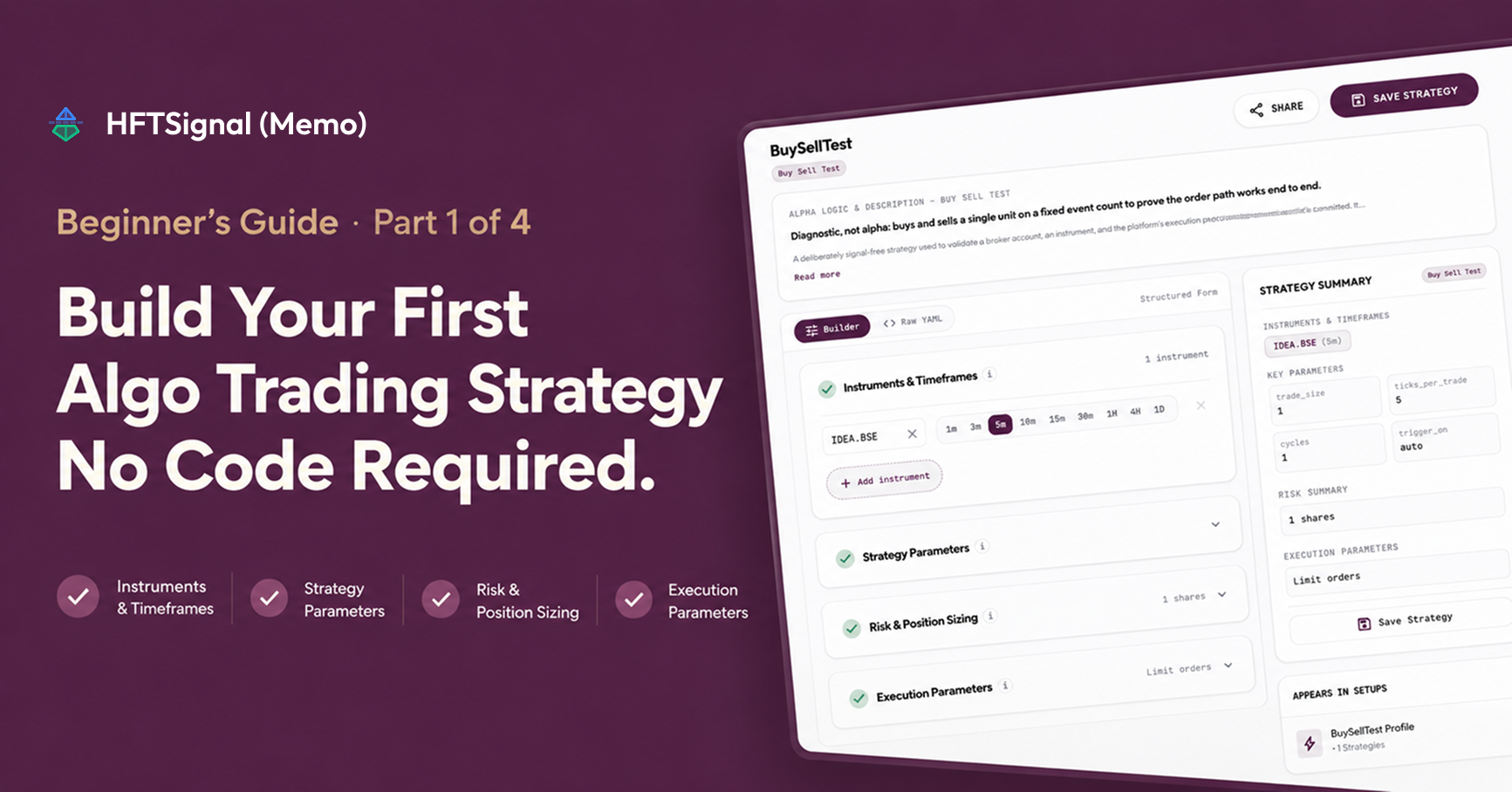
Learning how to create an algo trading strategy in India no longer requires learning to code first. This post covers the first stage only: building and saving a strategy definition on HFTSignal, in four steps — pick a template, configure four setting sections, check the plain-language summary, and save. It does not cover running the strategy; that happens later, once the saved strategy is added to a Trading Setup, which the roadmap at the end of this post explains.
What Is a No-Code Algo Trading Strategy Builder?
A no-code algo trading strategy builder lets you set the buy and sell rules for an automated strategy through labeled forms instead of programming code. HFTSignal’s builder groups every strategy into four setting sections, shows a live plain-language summary as you fill them in, and keeps a Raw YAML copy of the same settings visible for anyone who wants to check the underlying text directly. Nothing you configure through the form is hidden from the text version, and nothing in the text version is required reading to finish setup.
How Do I Choose a Strategy Template on HFTSignal?
HFTSignal’s Strategy Catalog holds multiple ready-made templates you can start from instead of building a strategy on a blank screen. Each template is tagged with a difficulty level (Beginner, Intermediate, or Advanced), the asset class it trades (such as equity or F&O), and the indicators it uses. A description line states plainly what each strategy does — including templates like Buy Sell Test, which is labeled “Diagnostic, not alpha” because it exists to verify order execution, not to generate returns.
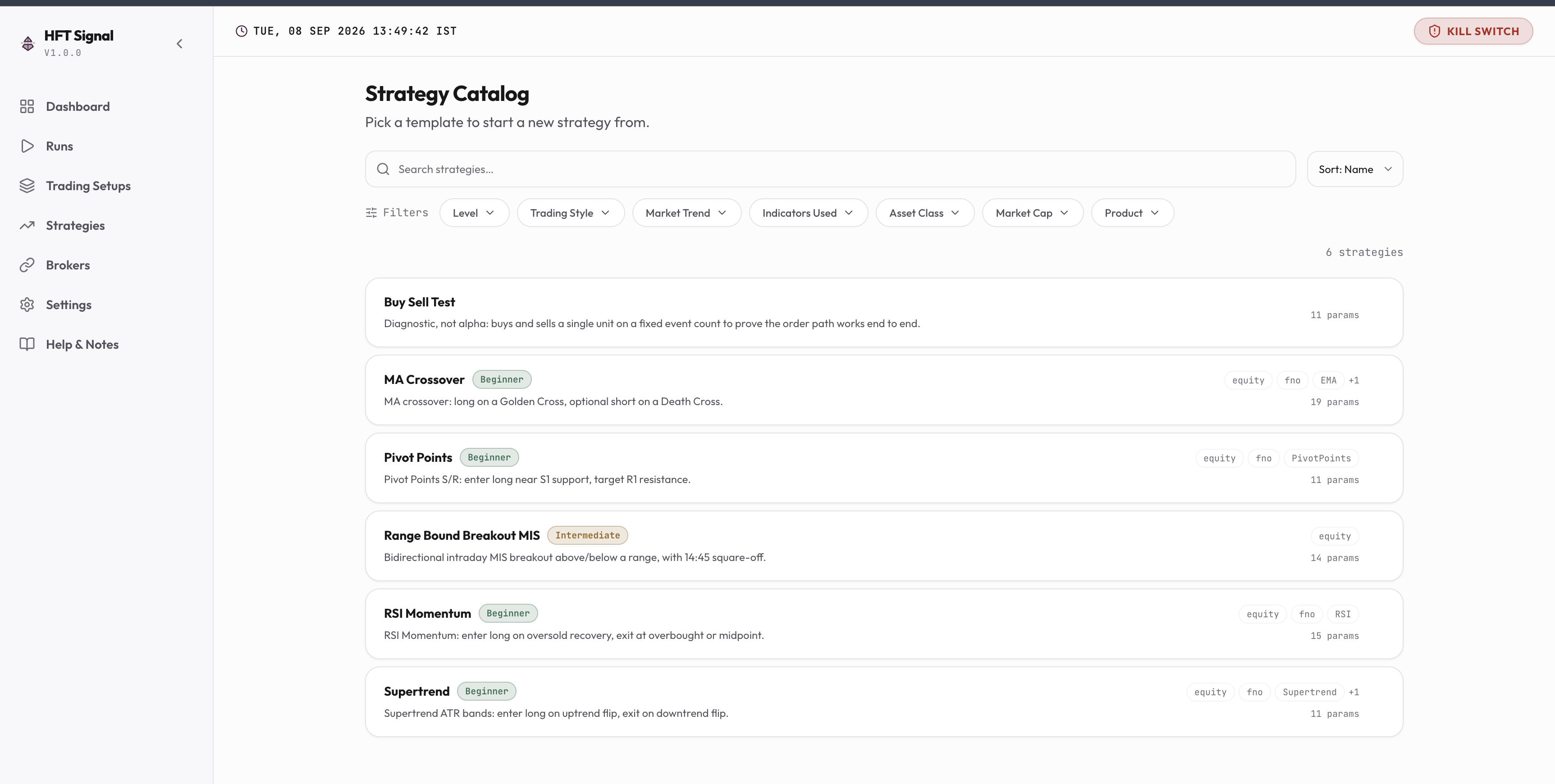
| Filter | What it narrows down |
|---|---|
| Level | Beginner, Intermediate, or Advanced |
| Trading Style | The strategy’s holding period and approach |
| Market Trend | Whether the strategy is built for trending or range-bound markets |
| Indicators Used | Which technical indicators (e.g., RSI, MACD, ADX) the strategy relies on |
| Asset Class | Equity, F&O, or other instrument types |
| Market Cap | Large-cap, mid-cap, or small-cap focus |
| Product | Intraday (MIS) or delivery-based |
Browse the live Strategy Catalog →
What Settings Do I Need to Configure to Save a Strategy?
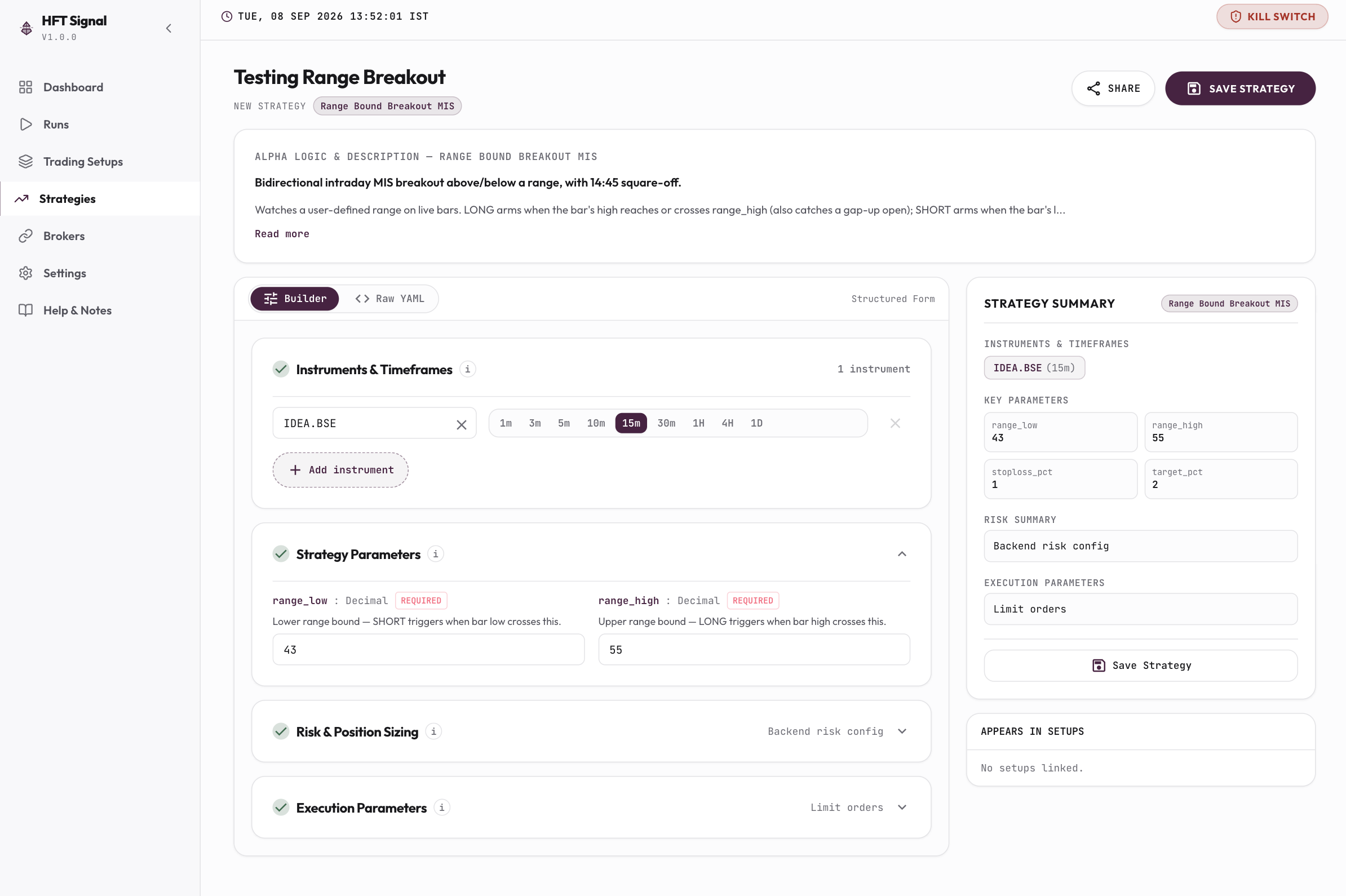
A strategy on HFTSignal is configured across four setting sections, each with its own info icon explaining just that section’s fields. The four sections are shown below.
| Section | What it controls |
|---|---|
| Instruments & Timeframes | Which trading symbols the strategy runs on and which candle interval (1m to 1D) it reacts to |
| Strategy Parameters | The indicator-level settings that decide when the strategy enters and exits a position |
| Risk & Position Sizing | Trade size in shares or lots, plus any stop-loss or take-profit limits |
| Execution Parameters | Order type (such as limit orders) and how orders are routed to your connected broker once the strategy is later run |
A Strategy Summary panel restates all four sections in plain language and updates live as you edit them, so the current state of your strategy is always visible in one place before you click Save Strategy. Saving at this stage stores the configuration only — it does not place any order and does not require a broker connection yet.
What’s Next After You Save a Strategy?
Saving a strategy is Part 1 of a four-part series, and the remaining three parts are covered in separate posts.
| Part | Covers |
|---|---|
| Part 1 (this post) | Build Strategy — building and saving a strategy definition |
| Part 2 | Build Trading Setup and Run Backtest — turning a saved strategy into a Trading Setup and running it against historical data |
| Part 3 | Setting up Broker — connecting your broker account, starting with Zerodha Kite |
| Part 4 | Paper Trade and Live Trade — running a Trading Setup on live prices with simulated orders, then going live |
FAQs
Do I need to know how to code to create a strategy on HFTSignal?
No. HFTSignal’s Strategy Builder configures every setting through labeled sections and dropdowns. A Raw YAML view of the same settings is available if you want to read or copy the underlying text, but editing it is optional.
Does saving a strategy on HFTSignal require a broker connection?
No. Saving a strategy only stores your configuration. No broker connection is needed at this stage, and no order is placed until you later add the strategy to a Trading Setup and run it in backtest, paper, or live mode.
Is HFTSignal a SEBI-registered investment adviser?
No. HFTSignal is not a SEBI-registered investment adviser and does not recommend which strategy will be profitable. It only executes the buy and sell rules you configure, using your own broker connection.
Can I see where a strategy is already being used before I edit it?
Yes. Every strategy’s configuration screen includes an “Appears in Setups” list showing every live setup currently running that strategy, so you can check the impact of a change before saving it.
What happens after I save my strategy?
A saved strategy becomes available to add to a Trading Setup. Building a Trading Setup and running a backtest is covered in Part 2 of this series, connecting your broker in Part 3, and running a paper trade or going live in Part 4.
Shubham Agrawal
HFTSignal researches strategy templates and builds the execution infrastructure Indian retail traders tune and deploy on their own broker.
Related Posts
Try HFTSignal
We research the strategy templates. You tune the parameters. Deploy on your own broker — no code required.
Start for free →